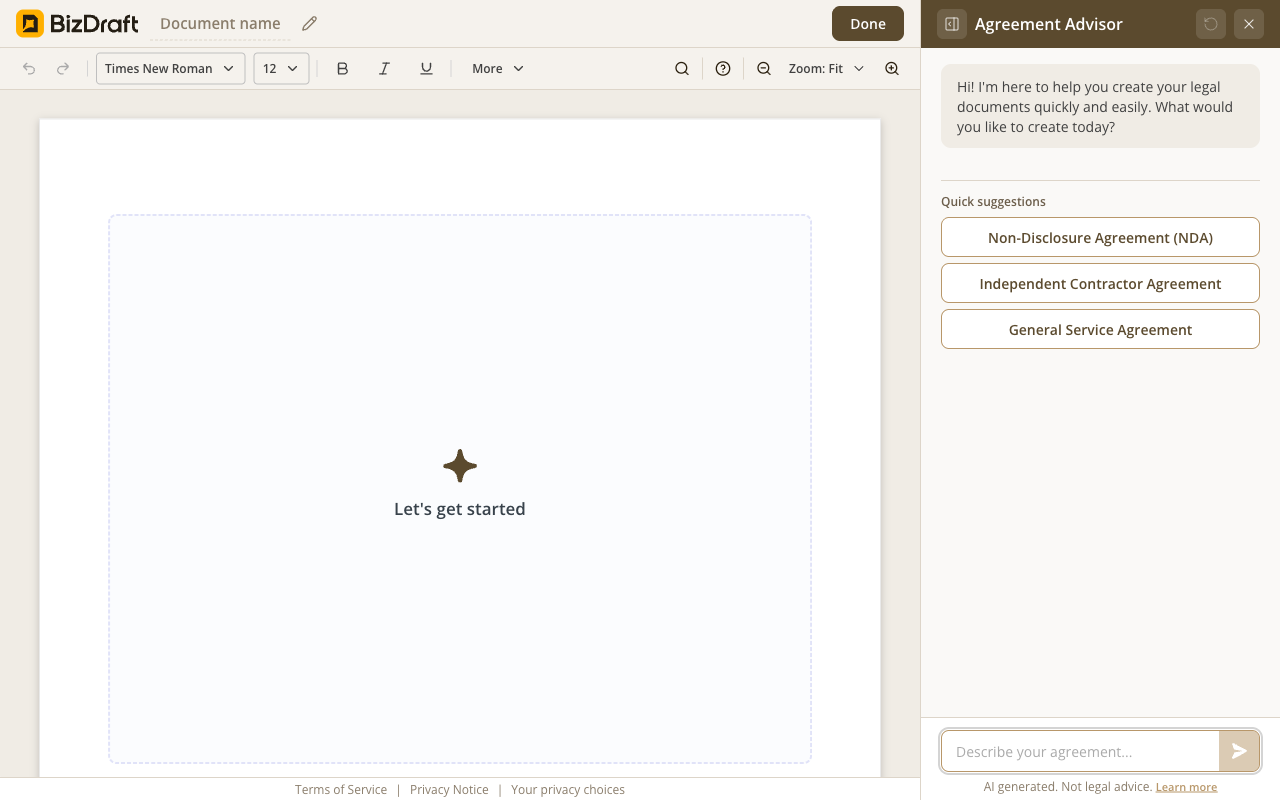
The blank canvas
Pick a type, or just describe what you need.
Describe what you need → answer a few questions → make it yours.
Free. No registration. No card. No catch.
What you get
The terms that matter to you — payment, confidentiality, termination, and more — are written around what you described, not what a template assumes.
Payment terms, scope, IP ownership, confidentiality, termination, indemnity, dispute resolution — written for your situation, not pulled from a template.
Every state has its own rules, and federal law applies on top. BizDraft knows both — your agreement is adjusted for the state you're working in. No manual lookup.
Download as Word or PDF. Edit it later, send it for signature, print it. No lock-in, no watermark, no account required.
How it works
Plain English works. Tell BizDraft what the work is, who's involved, and how you're getting paid.
BizDraft drafts a complete, state-aware agreement and walks you through any clause you want explained — in plain English.
Fill in the specifics, adjust any clause, then download as Word or PDF. No account, no lock-in.
See it work
Three screens from the editor.
Pick a type, or just describe what you need.
![BizDraft editor showing a fully generated General Service Agreement, thirteen numbered sections deep, rendered as a Times New Roman page with inline [PLACEHOLDER] markers where the operator still needs to fill in values.](/assets/val/roduct-reality/screenshots/service-agreement-generated.png)
Every section written, ready in 90 seconds.
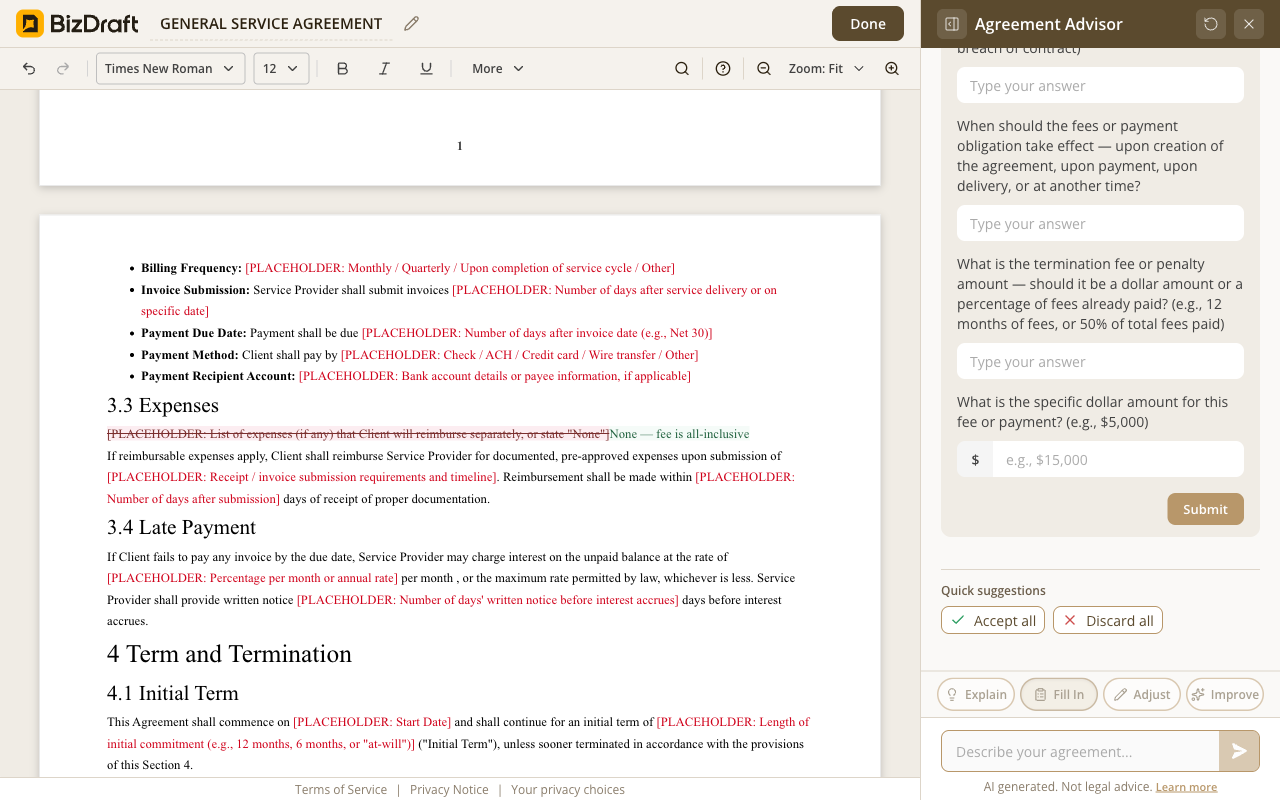
Accept, adjust, or rewrite — every clause is yours to control.
Who it's for
General Contractor
Fixed price, defined scope, payment milestones. The agreement is ready before the first nail goes in.
Landlord
State-aware lease, smoking and pet clauses included. Ready to sign before the keys change hands.
Architect
Project phases, revision limits, IP ownership — all covered. Drafted and ready before the first consultation.
Bookkeeper
Recurring engagement, fixed monthly fee, confidentiality built in. The agreement is ready the same evening.
Tattoo Artist
Revenue split, liability terms, shop rules in writing. Done in 90 seconds, signed before they arrive.
Plumber / Repair Service
Scope of work, callout terms, payment schedule. Formalized in minutes, not days.
Honest answers
Yes. No paywall, no trial, no credit card. There's no account because there's nothing on our side to sign into.
The agreement you draft lives in your browser tab, not on our server. Close the tab and it's gone on our side. We'll prompt you to download before you go.
A signed agreement is binding under the same rules as any other — both parties competent, clear terms, lawful purpose, signatures. The drafting tool doesn't change that.
What we won't claim is that any agreement is right for any deal. For high-stakes engagements, hand the Word file to your attorney before you sign. The agreement is yours to take wherever it needs to go.
BizDraft is built for small and independent business agreements — service agreements, contractor agreements, leases, and NDAs. Every draft is aware of both federal law and the laws of your state, across all 50 states. We don't cover personal agreements or high-stakes corporate transactions — that's intentional. BizDraft exists because small businesses and independent professionals deserve properly written agreements too.
Yes. Every suggested clause comes with Accept, Adjust, or Skip — one at a time. After that, the whole draft is yours to edit freely: change a clause, reword a section, remove anything that doesn't apply.
A service agreement. An NDA. A lease. A scope of work. All 50 states. Plain English.
Draft your agreementFree
No paywall, no trial, no credit card.
No registration
Skip the signup. Your agreement is one click away.
Privacy first
Your draft lives in your browser. Close the tab and it's gone.
Word + PDF
Download in the format you need. Works with any tool you already use.
BizDraft handles the drafting. When you're ready to sign, send, or refine the document, these sister tools from airSlate take it the rest of the way — all free to try.

SignNow is the eSignature solution built for your entire organization — giving the whole team everything they need to send and sign documents, without user limits or complex setup.

pdfFiller is a complete document solution for individuals and SMBs, making it easy to edit, sign, and share documents in one place.

DocHub is a document management solution that combines advanced PDF editing, eSignatures, forms, and team collaboration with seamless Google Workspace integration.